 Tripperz
Three loops to choose from
Each loop goes in another direction, so you pick the area you feel like.
Round trip planner
Just want to go for a ride? Choose how far you want to drive and Tripperz gives you three loops from where you are, over back roads and back home. By car or by motorcycle, alone or with friends.
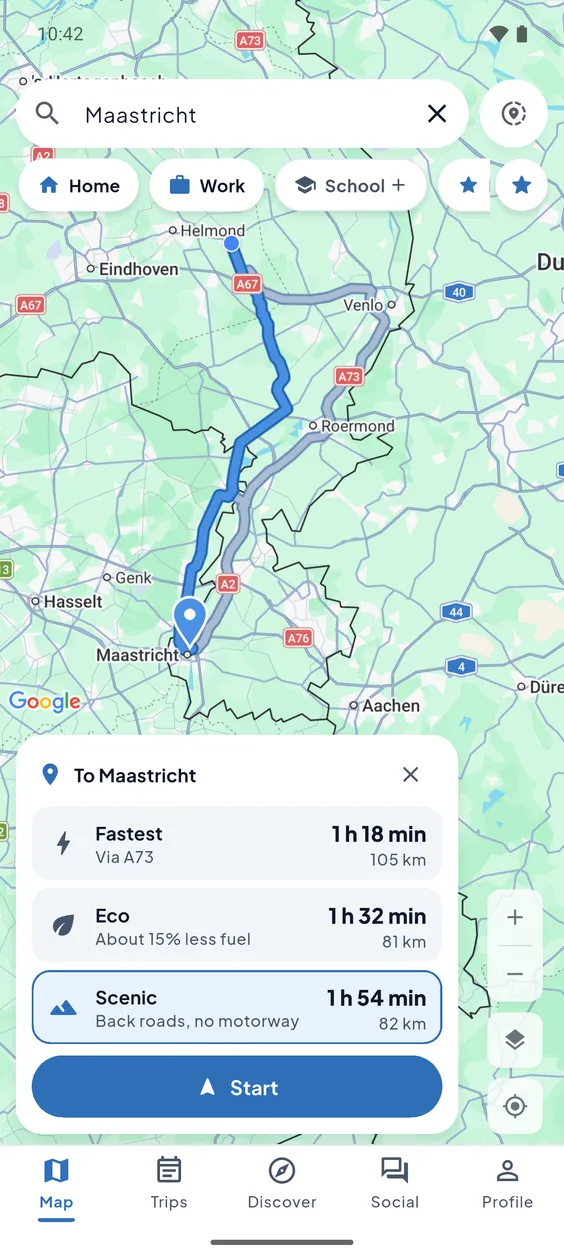
Sometimes the ride is the point. On a Sunday morning on the motorcycle, an evening drive in the classic car or a tour with the club, you do not need an address. You need a good loop.
Planning one yourself takes time: clicking points on a map until the route goes the right way and comes back. Tripperz does that for you.
Under Trips, New trip, choose Round trip and pick how far you want to drive. You get three loops from where you are, each in another direction, over back roads and back where you started. Not happy with any of them? Ask for other directions.
Toll roads, ferries and motorways can be switched off, and that applies to the loop too. When you share a round trip, others do not see where it starts or ends: your home stays private.
Why Tripperz
A good loop without the planning.
Each loop goes in another direction, so you pick the area you feel like.
The loops avoid the busy roads where they can. Switch off motorways, toll roads and ferries if you want.
Every loop ends at your starting point. No need to plan the way back.
Turn the loop into a group ride. Everyone gets the same route and the group is live on the map.
When you share a round trip, others do not see where it starts or where it ends.
Follow the loop with spoken turns, the speed limit and traffic on the way.
How it works
Four steps, less than a minute.
Tap New trip and choose Round trip.
Pick how far you want to drive.
Compare the three loops on the map. Want something else? Ask for other directions.
Start the navigation, alone or with friends you invite.
FAQ
In Tripperz, go to Trips, tap New trip and choose Round trip. Pick how far you want to drive and you get three loops from where you are. Choose one and start the navigation.
Yes. The loops go over back roads, and under Avoid you can switch off motorways, toll roads and ferries. That setting applies to round trips too.
Yes. Turn the loop into a trip and invite the others with a link or QR code. Everyone navigates the same loop and sees the group live on the map.
Yes. Share it with a link or publish it under Explore. Others do not see where a shared round trip starts or ends, so where you live stays private.
Yes. Round trips are part of the Free plan, like route choice and spoken navigation.
Tripperz is available as an Android beta that you download from this website. The iPhone app is in a private beta through TestFlight; email us for an invite.
Get started
Download Tripperz on mobile for trips and live tracking. Manage subscriptions and organizations from the web dashboard.
iPhone? The iOS app is in a private beta through TestFlight. Request an invite
Questions? info@basbakens.nl